
This document is a user guide for the multi-function telephone, which introduces how to set up the phone, answer and make calls, and use IntraMail voice mail and other features.
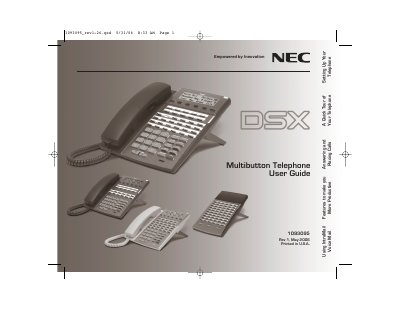
This guide explains how to install the handset and line cord, adjust the viewing angle, and use the telephone’s features. It covers answering and placing calls, using IntraMail voice mail, and setting up speed dial and call forwarding. The guide also details how to manage intercom calls, conference calls, and hold functions.
Plug the handset cord into the handset jack on the bottom of the telephone. The handset cord routes through the lower channel on the right side of the telephone base.
To set the low viewing angle position: fold the legs all the way back. To set the high viewing angle position: flip up the two leg supports and fold the legs back until the supports contact the base.
Press the Hotline key. The key is off when your co-worker is idle, on if busy, and flashing if in Do Not Disturb.
Place or answer your first call, press CONF, place or answer your next call, and press CONF again to set up the Conference. Repeat to add additional callers.