
This manual introduces the use of Rosen DVD entertainment system
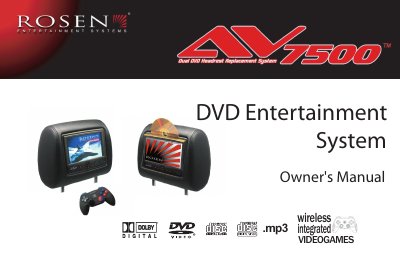
This manual covers setup and operation of the Rosen AV7500 DVD entertainment system, including how to play DVDs, MP3s, and video games. It explains how to use the remote control, adjust display settings, and connect external audio/video sources. Safety precautions and troubleshooting tips are also included.
The system is designed for rear-seat use only and must not be operated while the vehicle is in motion. It features wireless headphones, a game controller, and compatibility with external devices via RCA and USB inputs.
With an external FM Modulator and while the system is set to broadcast over the radio with SPEAKERS ENABLED, the vehicle’s antenna is temporarily disabled.
Excessive cold or hot temperatures will cause the picture on the display to become distorted or lose color or contrast.
The screen will appear black or dark blue if there is no video signal. This may happen if the DVD fails to initialize properly or if a source is selected which is not connected.
Only one headrest at a time can be played through the car’s audio system. To change this, press the speaker button on the monitor you want to hear. When you do this you will see “Headphones Only” on the other screen.