
This product is a 7-inch car DVD/MP4/VCD/CD/MP3 player, supports USB and AUX input, built-in AM/FM radio and RDS function, supports Bluetooth A2DP and AVRCP, supports SD card playback
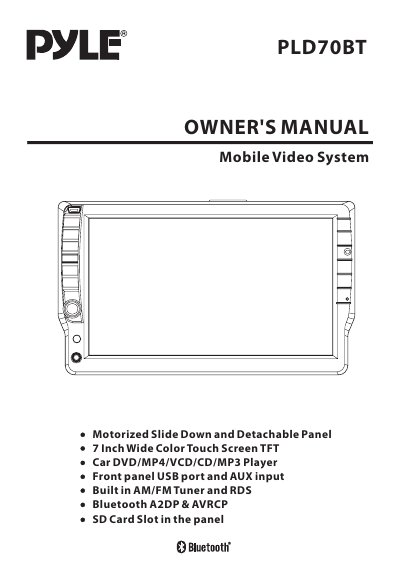
This manual provides instructions for installing, operating, and troubleshooting the PLD70BT 7-inch color touch screen car DVD/MP4 player. It covers safety precautions, installation steps, control panel detachment, basic and advanced operations including radio, disc, and SD/MMC card functions. The unit supports multiple formats including DVD, VCD, CD, MP3, WMA, JPEG, and MP4, with Bluetooth A2DP & AVRCP connectivity and built-in AM/FM tuner with RDS. It also includes USB and SD/MMC card playback and rear view camera support.
The manual includes warnings about safe installation, avoiding interference with driving controls, and proper disc handling. It details wiring connections, panel angle adjustment, and troubleshooting steps for common issues such as disc errors or parking brake warnings.
| Display | 7 Inch Wide Color Touch Screen TFT |
|---|---|
| Supported Formats | DVD, VCD, CD, MP3, WMA, JPEG, MP4, Divx |
| Connectivity | Bluetooth A2DP & AVRCP, USB, SD/MMC Card, AUX, AM/FM Tuner with RDS |
| Mounting | 6 DIN Front/Rear-Mount |
It supports DVD, VCD, CD, MP3, WMA, JPEG, MP4, and Divx formats.
Connect the earth connection cable (parking brake B-) and follow the wiring diagram for other connections.
Yes, you can adjust the viewing angle by touching the screen or pressing the button on the front panel repeatedly.