
This manual describes the integration of the FANUC R-30iB Mate Plus robot with the READY Robotics safety system. This manual includes the following: hardware requirements, software requirements, installing FANUC safety hardware, connecting the READY pendant, and connecting the robot and IPC.
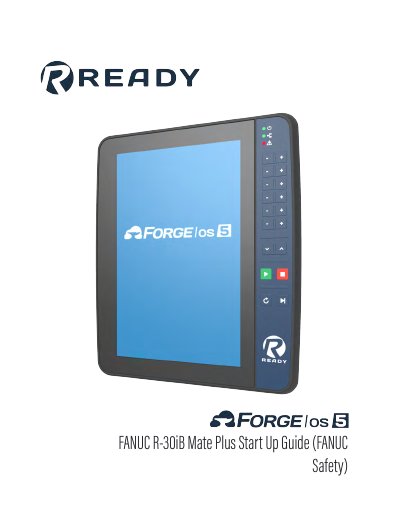
This document serves as a Start Up Guide for the FANUC R-30iB Mate Plus robot controller when used with READY Robotics Forge/OS software. It details the necessary hardware requirements, including the READY pendant, IPC, and specific FANUC safety I/O boards. The guide provides step-by-step instructions for connecting the hardware, powering on the system, and initializing the software environment.
| Robot Controller Model | R-30iB Mate or R-30iB Mate Plus |
|---|---|
| Minimum Firmware Version (Mate) | V8.10P/30 |
| Minimum Firmware Version (Mate Plus) | V9.10P/33 |
| Required Option for Forge programs | RTL-R632 KAREL |
| Required Option for Jogging | RTL-R859 Advanced DCS |
The default password is 1111.
Tap the Device Status button on the READY pendant, then tap the RESET button on the robot list.