
This is an upgrade manual for Fanuc 16/18 A/B/C series controllers. The manual introduces the upgrade steps, including backup, upgrade, restore, etc.
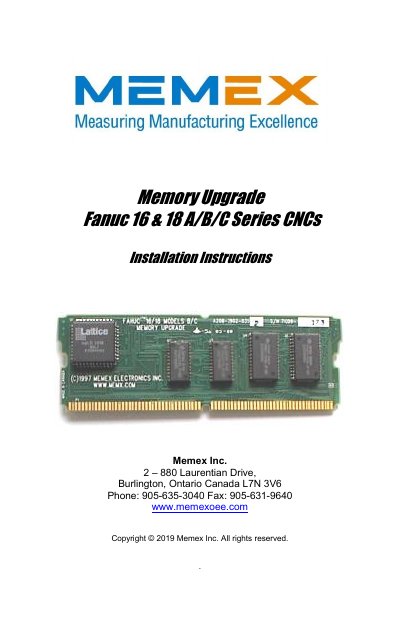
This manual provides step-by-step instructions for installing the Memex Memory Upgrade Kit on Fanuc 16 and 18 series CNC controls. It covers the entire process from backing up critical parameters and programs to physically swapping the memory module and restoring the system. The guide includes specific procedures for different control variants (16-A, 18-A, 16-B, 18-B, 16-C, 18-C) and details how to handle SRAM PC cards for data safety.
| Maximum SRAM upgrade for 16-A and 18-A | 1MB (1280 meters) |
|---|---|
| Maximum SRAM upgrade for 18-B and 18-C | 768KB (1920 meters) |
| Maximum SRAM upgrade for 16-B and 16-C | 2.25MB (5120 meters) |
| Estimated installation time | 1 hour |
The estimated time required to complete the upgrade is 1 hour.
No, the memory upgrade should be conducted with the control power off, although the main power can remain on.
The upgrade uses a Single In-Line Memory Module (SIMM) located on the Main CPU board.