
This is a user manual for Intellus Controller, covering the basic operation, temperature settings, lighting settings, humidity settings, etc.
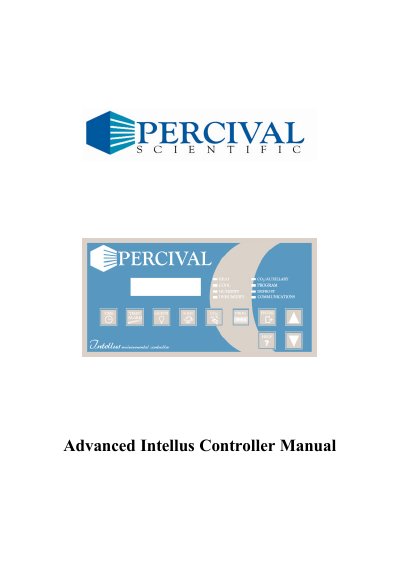
This manual explains how to operate the Percival Intellus Controller, including setting time, adjusting temperature and humidity, configuring lighting and CO2/Aux settings, and managing programs. It also covers security levels and password management. The controller displays real-time chamber conditions and allows users to program and monitor multiple parameters through intuitive menu navigation.
The manual includes detailed instructions for entering and editing settings, using the display and keys, and managing alarms and defrost cycles. It also explains how to configure security levels and reset passwords to default values. The document is designed for users who need to operate and maintain the controller in a controlled environment.
Press the TIME key, then ENTER, use the 4 and w keys to set the time, then press ENTER again.
Level 1: '0001', Level 2: '0002', Level 3: '0003', Security Level: '1111'.