
Arrow MAX 10 DECA FPGA Evaluation Kit User Manual

This manual introduces how to use the TI MAX 10 DECA FPGA evaluation board with smartphones via Bluetooth and Wi-Fi.
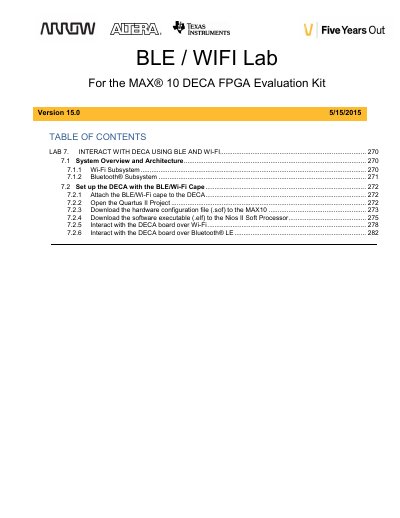

Arrow MAX 10 DECA FPGA Evaluation Kit User Manual - cover page
Brand
Arrow
Category
Other Electronics
Document type
User Manual
Language
English
Pages
24
File format
PDF
File size
1.3 MB
Published
17 October, 2023
Updated
17 October, 2023
MD5 checksum
8327F60281CA992F7F7B8D7E7E8EFAFD

About this manual

This document is Lab 7 of the MAX 10 DECA Workshop Manual, focusing on interacting with the DECA platform using Bluetooth Low Energy (BLE) and Wi-Fi. It describes the system architecture involving the TI CC3100 Wi-Fi processor and the CC2650 BLE chip on a Dallas Logic cape. Users learn to configure the board as a wireless access point and pair it with mobile devices to view sensor data.

What's inside

  • System Overview and Architecture
  • Wi-Fi Subsystem
  • Bluetooth Subsystem
  • Attach the BLE/Wi-Fi cape
  • Open the Quartus II Project
  • Download the hardware configuration file
  • Download the software executable
  • Interact with the DECA board over Wi-Fi
  • Interact with the DECA board over Bluetooth LE

Frequently asked questions

What is the DECA board used for?

It is used to interact with via BLE and Wi-Fi using a smartphone.

What processor runs the software on the DECA?

The Nios II soft core processor runs the software code.

What is the maximum SSID length for the Wi-Fi access point?

Up to 32 characters long.

What is the RSSI value when the Bluetooth device is very close to the DECA?

The RSSI value approaches about -30.

Download PDF (1.3 MB)

More Arrow Manuals


View all Arrow manuals →