
Schneider XBT Terminal and XBT-L1000 Software Self-Teach Manual

This is a self-teaching manual for MAGELIS XBT Terminal and XBT-L1000 Software
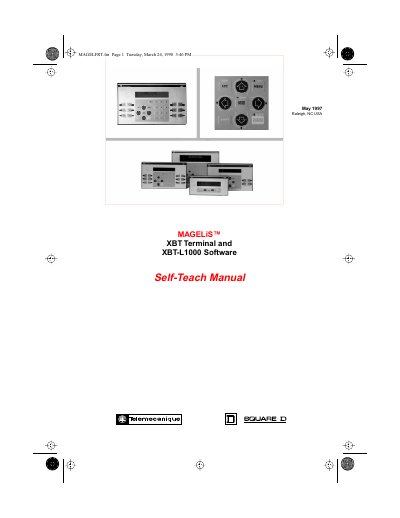

Schneider XBT Terminal and XBT-L1000 Software Self-Teach Manual - cover page
Brand
Schneider
Category
Industrial Robot
Document type
User Manual
Language
English
Pages
97
File format
PDF
File size
1.3 MB
Published
17 October, 2023
Updated
17 October, 2023
MD5 checksum
78121AEB2B6B18FAA062E8E0498455A2

About this manual

This manual guides users through installing the XBT-L1000 software, creating applications, simulating them, uploading to terminals, and connecting to PLCs. It covers terminal models (XBT-H, XBT-P, XBT-E), cabling, dialogue tables, and troubleshooting. Designed for users familiar with PLCs and Windows systems.

The manual includes detailed steps for configuring terminal parameters, creating alarm pages, and printing logs. Appendices cover cabling, protocol details, and technical support contacts. It assumes knowledge of PLC memory and register structures.

What's inside

  • Installing XBT-L1000 Software
  • Creating Applications
  • Simulating Applications
  • Connecting PC to Terminal
  • Uploading Applications
  • Connecting Terminal to PLC
  • Viewing and Acknowledging Alarms
  • Printing Logs
  • Cabling and Protocols
  • Dialogue Tables

Frequently asked questions

What software is required to use the MAGELiS XBT Terminal?

The XBT-L1000 programming software is required.

What hardware is needed to use this manual?

An IBM-compatible PC with 4 Mb RAM, VGA monitor, serial port, mouse, and DOS/Windows 3.1 or 95.

Download PDF (1.3 MB)

More Schneider Manuals


View all Schneider manuals →