
This manual introduces the features and functions of the Bright Box wireless router, as well as how to connect to ADSL and Fibre broadband.
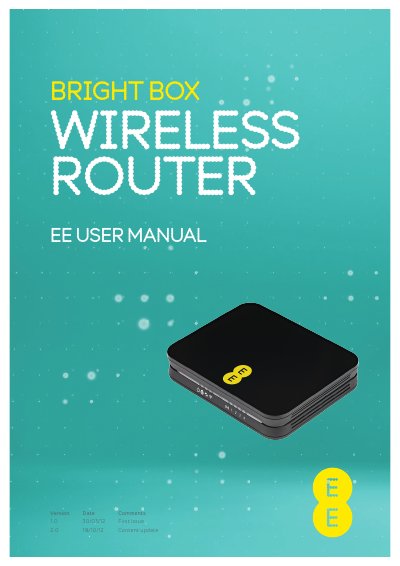
The EE Bright Box is a wireless 'N' modem router designed for EE home broadband, supporting speeds up to 300 Mbps with compatible adapters and up to 24 Mbps on ADSL2+ lines. It features four 10/100 Mbps Ethernet ports, a USB 2.0 port for file sharing, and advanced security options including WPA2 and 802.1X authentication. The device supports Intelligent Wireless technology to optimize signal reliability and includes features like Port Forwarding, QoS, and Intrusion Detection.
| Wireless Standard | IEEE 802.11n, IEEE 802.11g, IEEE 802.11b |
|---|---|
| Wireless Band | 2.4 GHz (2.412 - 2.472) |
| Wireless Speeds | Up to 145 Mbps (20MHz bandwidth) or up to 300 Mbps (40MHz bandwidth) |
| LAN Ports | 3 x 10BASE-T/100BASE-Tx (RJ45) + 1x 10BASE-T/100BASE-Tx (RJ45) |
| USB Ports | 1x USB 2.0 |
| ADSL Modes | G.DMT - G.992.1, ADSL2 - G.992.3, ADSL2+ - G.992.5, Annex M -G.992.3 &G.992.5 |
| Dimensions | 165mm x 133mm x 30mm |
| Firmware Version | v0.09.94.0006-OT (28 November 2011) |
The default IP address for accessing the router admin pages is 192.168.1.1.
You can change the Wireless Network Name (SSID) via the Bright Box admin pages under the Wireless Settings section.
Yes, the router features the latest WPA2 (Wi-Fi Protected Access) wireless security out-of-the-box.
Yes, you can connect a USB memory device to enable file sharing across the home network.