
IND360 Quick Guide
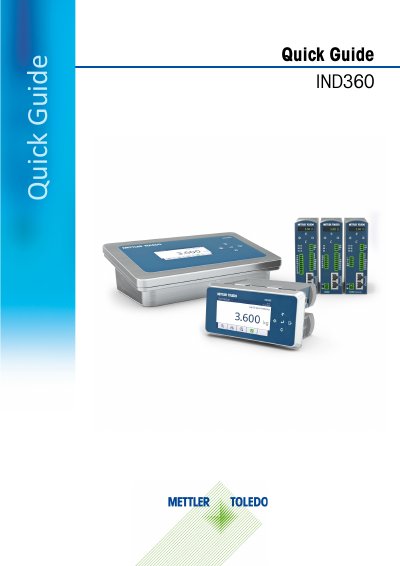
This document serves as a quick guide for the Mettler Toledo IND360 Automation Terminal, intended exclusively for weighing and process control applications. It outlines critical safety warnings, such as the prohibition of use in hazardous areas and the requirement for proper grounding, alongside instructions for accessing documentation and compliance information online.
The guide details the terminal's specifications, including various enclosure types (DIN rail, panel-mount, and harsh environment), environmental protections, and communication interfaces like Ethernet and Modbus RTU. It provides instructions for operating the device in Weights and Measures Approved Mode, navigating on-screen menus, and utilizing basic functions such as Zero, Tare, and ePrint.
| Operating Environment | -10° to 50° C (14° to 122° F) at 10% to 90% relative humidity, non-condensing |
|---|---|
| Display | DIN Rail: 1.04'' green OLED; Panel/Harsh: 4.3'' color TFT |
| Analog Load Cell Excitation Voltage | 5 VDC |
The IND360 Automation Terminal is used exclusively for weighing and process control.
No, the IND360 is not intrinsically safe and must not be used in hazardous areas classified as Division 1, Zone 0, Zone 20, Zone 1, or Zone 21.
The DIN Rail version has four keys: Up, Down, Left, and Enter.
Long press the Print button to enter the Operator Menu.