
Introduced the function and feature of AirborneDirect™ DP5xx/IN5xxx series product, including device type, appearance structure, electrical and RF specifications, antenna selection and installation, performance, etc.
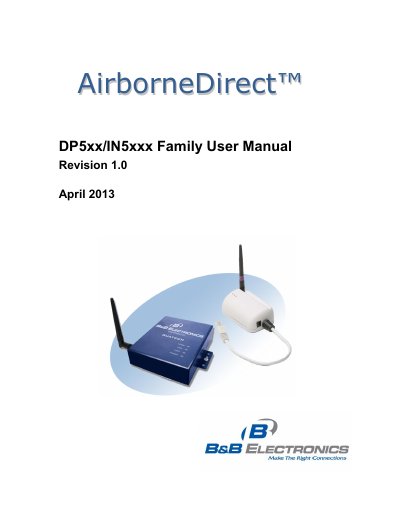
This manual covers setup, configuration, and operation of B&B Electronics' AirborneDirect™ wireless device servers. It includes instructions for connecting antennas, configuring serial and Ethernet ports, setting up wireless networks, and managing security and firmware. Sections detail device types, pinouts, web interface navigation, and advanced settings like DHCP, MAC cloning, and tunneling.
| Device Types | Serial, Ethernet, Serial + Ethernet, Enterprise Class, Industrial Class |
|---|---|
| Supported Data Rates | 802.11a/b/g/n |
| Operating Channels | Table 11 - Operating Channels … 23 |
| RF Characteristics | 802.11a/b/g/n |
Connect the device to the host using serial or Ethernet, attach an antenna, and power it up.
Navigate to the web interface using the device’s IP address or via Telnet.
WEP, WPA-PSK, WPA2-PSK, and PEAP security configurations are supported.
Use the web interface to configure DHCP settings for the WLAN interface.