
This manual introduces the use of the DTL84 data logger thermometer, including safety information, introduction, operation and setup.
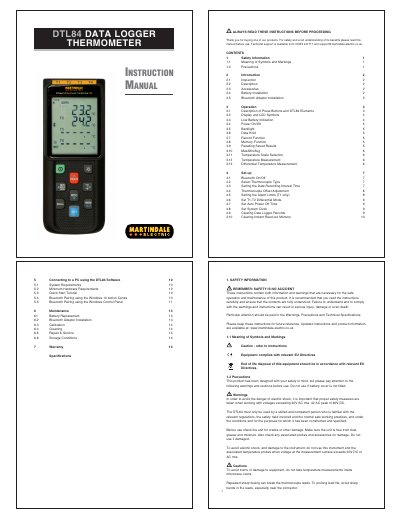
This manual covers the safe operation and setup of the DTL84 data logger thermometer. It includes instructions for battery and Bluetooth adaptor installation, temperature measurement modes, data recording, memory functions, and Bluetooth connectivity with PC or mobile devices. Safety warnings and precautions are emphasized to prevent electric shock or equipment damage.
The device supports multiple thermocouple types (K, J, E, T, R, S), differential temperature measurement, alarm functions, and auto power-off. It comes with accessories including K-type thermocouples, a Bluetooth adaptor, batteries, software CD, and a storage case.
| Thermocouple Types | K, J, E, T, R, S |
|---|---|
| Data Recording Interval | Settable time interval |
| Memory Capacity | 0-99 memory locations |
| Auto Power Off | Adjustable time |
| Bluetooth Connectivity | Compatible with iOS & Android |
Refer to Section 6.1 (Battery Replacement) for installation instructions.
The DTL84 supports K, J, E, T, R, and S thermocouple types.
Use the included USB cable and install the DTL84 software on your PC.
The (= symbol appears on the screen, and the device will stop recording or operating.