
This document is an instruction manual for PosiTector ®DPM Dew Point Meter
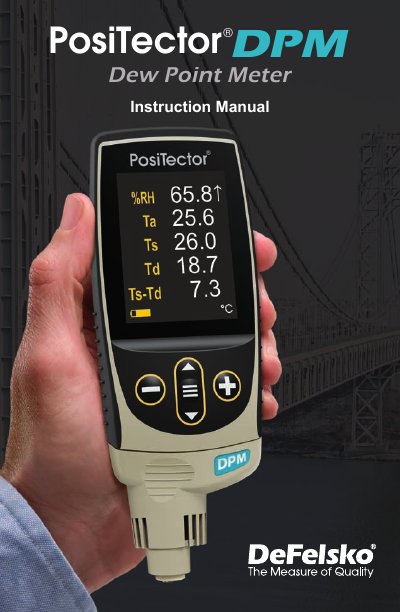
The PosiTector DPM is a handheld electronic instrument for measuring and calculating environmental conditions like relative humidity, air temperature, surface temperature, and dew point. It features a menu system for configuration, alarm settings, and data management. Advanced models support WiFi, email alerts, trend charts, and USB data transfer. Standard models store up to 2,500 datasets; advanced models store 250,000. The device automatically powers down after inactivity or can be reset to factory defaults.
| Temperature Units | Celsius (°C) or Fahrenheit (°F) |
|---|---|
| Velocity Units (DPM A only) | m/s, ft/s, km/h, mph, or kn |
| Standard Model Dataset Storage | Up to 2,500 datasets |
| Advanced Model Dataset Storage | Up to 250,000 datasets in up to 1,000 batches |
| Auto Log Battery Life (Advanced) | Approximately 10,000 datasets on alkaline batteries |
Press the center navigation button to power up the gage.
It alerts the user when climatic conditions exceed pre-set values, with advanced models allowing custom alarm conditions.
It allows the device to function like a USB flash drive for easy data transfer to computers and import into PosiSoft Desktop software.