
This manual introduces the basic operating methods of INN@VA® CarScan®+ scanning tool. The manual is aimed at automotive maintenance personnel, including OBD system, basic operations of scanning tool, testing preparation and testing methods.
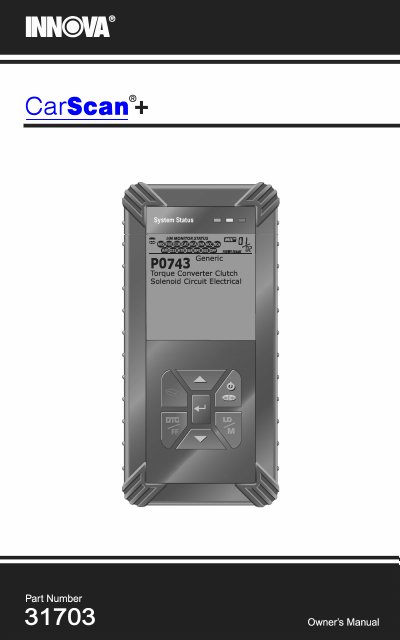
The INN@VA CarScan+ is a diagnostic scan tool designed for use with OBD2 compliant vehicles manufactured in 1996 and newer. It allows users to retrieve Diagnostic Trouble Codes (DTCs), view freeze frame data, and monitor live vehicle data. The tool supports enhanced diagnostics for specific manufacturers including Chrysler/Jeep, Ford, GM, Honda, and Toyota/Lexus, as well as ABS and SRS systems.
| Supported Vehicles | All 1996 and newer OBD2 compliant vehicles |
|---|---|
| Battery Type | Three AA-size batteries |
| Connector Type | Sixteen-pin Data Link Connector (DLC) |
Press and hold the POWER/LINK button for approximately 3 seconds.
The Scan Tool is designed to work on all OBD2 compliant vehicles.
OBD2 stands for On-Board Diagnostics 2, mandated for all 1996 and newer vehicles sold in the U.S.
The 16-pin DLC is usually located under the instrument panel (dash), within 12 inches (300 mm) of center of the panel, on the driver’s side.