
This file is a course instruction manual for Apex Learning, which provides detailed instructions on how to use Apex Learning courses.
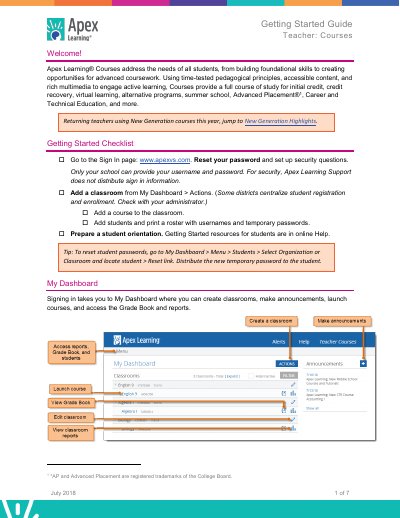
This guide helps teachers set up and manage Apex Learning Courses. It covers signing in, creating classrooms, adding courses, enrolling students, and preparing orientations. Teachers can customize course content, manage assessments, and monitor student progress through the Grade Book and reports.
The guide also explains activity types, course settings like Mastery-Based Learning and Proctoring, and how to use the Grade Book for tracking student performance and adjusting due dates.
Go to My Dashboard > Actions to add a classroom. Some districts centralize student registration, so check with your administrator.
Go to My Dashboard > Menu > Students > Select Organization or Classroom and locate student > Reset link.