
Tellur Apollo is a wireless speaker that supports Bluetooth connection, supports iPhone, iPad and other devices with Bluetooth, supports Micro SD (TF) card playing, supports AUX function, supports MP3/PC/mobile phones.
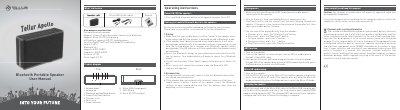
This is the user manual for the Tellur Apollo Bluetooth portable speaker. It covers how to power the device, pair it with a mobile device via Bluetooth, play music using Bluetooth or AUX, use a Micro SD card, and charge the speaker. The manual also includes safety and disposal instructions for electronic waste.
The speaker supports Bluetooth V4.1, has a 10W*2 output, and can play music from MP3 players or mobile phones. It features control buttons for volume, track navigation, and play/pause, and includes a Micro USB port for charging.
| Bluetooth Version | V4.1 |
|---|---|
| Output Power | 10W*2 |
| Frequency Response | 80HZ-20KHZ |
| Bluetooth Range | >10 M |
Use the Micro USB cable to connect the speaker to a 5V USB power source. The charging LED will turn red while charging and turn off when complete.
The maximum Bluetooth connection distance is greater than 10 meters.
The output power is 10W*2.
Press and hold the Pairing button for 3 seconds.