
This is a PDF document. It is the BMW ETK installation manual. The content includes installation steps and precautions.
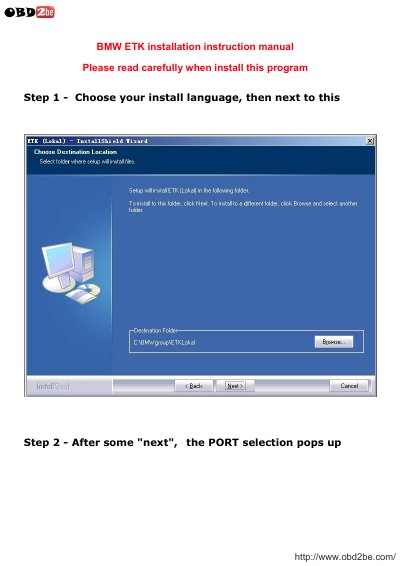
This document provides instructions for installing the BMW ETK Electronic Parts Catalog software. It covers steps such as selecting installation language, configuring ports, setting server URLs, choosing market and dealer type, creating a company, and loading parts data. The software is designed for use with BMW vehicles and supports multiple languages. Installation requires Windows XP SP2/SP3 or Windows 7 32-bit, though compatibility with 64-bit Windows is unconfirmed.
After installation, users can access a parts search interface with filtered diagrams and part details, including descriptions, part numbers, and quantities. The software includes a multi-language interface and has been tested on specific Windows versions.
| Supported Operating Systems | Windows XP SP2/SP3, Windows 7 32-bit |
|---|---|
| 64-bit Windows Compatibility | Not confirmed |
It has been tested on Windows XP SP2/SP3 and Windows 7 32-bit.
Compatibility with Windows 7 64-bit is not confirmed.