
BMW GT1 V39 DIS Installation Manual

This manual introduces the steps to install GT1 V39, including the installation on PC and VMware.
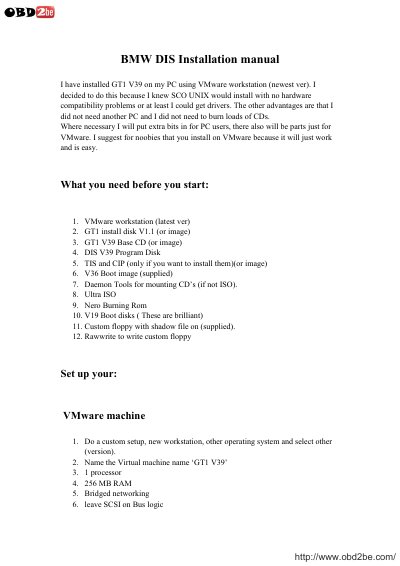

BMW GT1 V39 DIS Installation Manual - cover page
Brand
BMW
Category
Vehicle maintenance
Document type
User Manual
Language
English
Pages
12
File format
PDF
File size
534 KB
Published
17 October, 2023
Updated
17 October, 2023
MD5 checksum
3CC9462F86C3CFEA16E7F57010B0B552

About this manual

This manual provides instructions for installing the BMW GT1 V39 diagnostic system on a personal computer using VMware Workstation. It details the required software and hardware prerequisites, such as VMware Workstation, GT1 install disks, and specific boot images. The guide explains how to configure the virtual machine settings, including processor, RAM, and network options, to ensure compatibility with the SCO UNIX operating system used by the GT1.

What's inside

  • VMware Setup
  • GT1 Software Installation
  • scoadmin Configuration
  • Hardware Driver Removal
  • Network Configuration
  • DIS Program Installation
  • TIS and CIP Installation

Frequently asked questions

What is the required RAM for the GT1 V39 hardware setup?

The specs for the GT1 are 256MB RAM.

What is the hard drive capacity required for the GT1 V39 installation?

The virtual disk should have a 20 GB capacity.

What is the default boot password for accessing the UNIX prompt?

The root password is 'password'.

What is the dealer number used as a password for installing DIS?

The dealer number used is 12345.

Download PDF (534 KB)

More BMW Manuals


View all BMW manuals →