
This document is the user manual of BYD Baery-Box Premium LV BMU -IP55
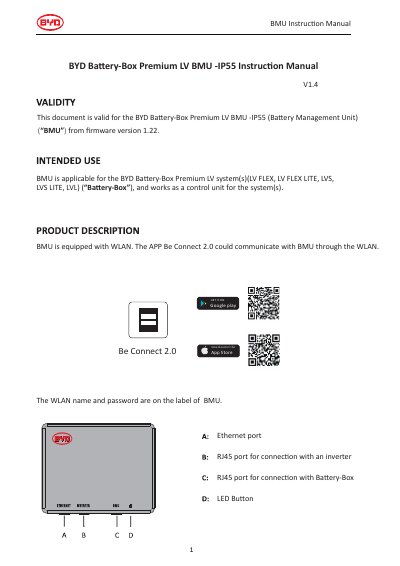
This manual explains how to operate and maintain the BYD Baery-Box Premium LV BMU-IP55, a battery management unit for LV FLEX, LVS, and similar systems. It details connection methods via Ethernet or WLAN, LED indicator meanings, and error handling. The BMU communicates with apps like Be Connect 2.0 over WLAN, using credentials on its label.
The manual applies to firmware version 1.22 and above. It includes status indicators for battery charging, discharging, idle, and low SOC, as well as error codes. Proper disposal of the unit is advised per electronic waste regulations. This manual is written in Chinese.
Use the RJ45 port to connect the BMU to an inverter.
Use the Be Connect 2.0 app to communicate with the BMU via WLAN.
It indicates an error has occurred.