
This is a user manual for DEEBOT robot vacuum cleaner.
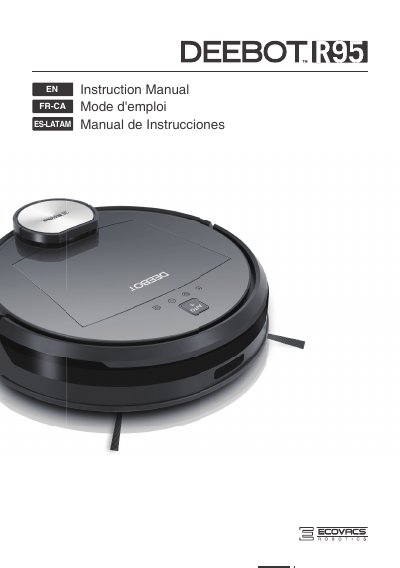
This manual provides essential safety instructions, package contents, technical specifications, and step-by-step guidance for operating and programming the ECOVACS DEEBOT DR95. It includes details on cleaning modes, suction options, maintenance of filters and brushes, and troubleshooting common issues. The robot is designed for indoor use only and requires proper charging and battery handling to ensure safe operation.
The manual also covers advanced features such as the wet/dry mopping system, voice reporting, and Wi-Fi module control, along with maintenance procedures for the dust bin, filters, and main brush. Safety precautions are emphasized throughout, including warnings about not using the device outdoors, near water, or with flammable materials.
| Model | DR95 |
|---|---|
| Working Voltage | 14.8V DC |
| Rated Power | 30W |
| Charging Dock Model | CH1465A |
| Rated Output Voltage | 20V DC |
| Rated Output Current | 1A |
| Battery | Lithium Battery 2850mAh |
| LaserMax. Power | 2.5mW |
| Frequency | 1.8KHz |
| Rotate Speed | 300± 5 circle/min |
Power the robot ON, place it on the Charging Dock, and press and hold the AUTO Mode Button for 20 seconds until it emits 3 beeps.
The working voltage is 14.8V DC.
Power OFF the robot for storage and unplug the Charging Dock.