
This document is the owner's manual of LC-X800 multimedia projector
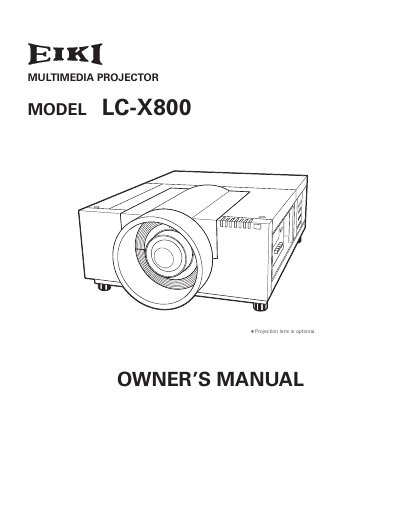
This manual provides detailed instructions for operating and maintaining the LC-X800 multimedia projector. It covers installation, connection to computers and video equipment, basic operation, menu navigation, and maintenance tasks like filter and lamp replacement. Safety precautions are emphasized, including proper ventilation, avoiding moisture, and handling the projector to prevent fire or electric shock risks.
The projector features a motor-driven lens shift, multi-language menu support, digital zoom, and network control options. Technical specifications for voltage and power consumption are included, with regional variations for U.S./Canada and Europe/UK. The manual also includes troubleshooting and compatibility information.
| Voltage (U.S. and Canada) | AC 100–120 V (9.9 A Max. Ampere) |
|---|---|
| Voltage (Europe and UK) | AC 200–240 V (4.8 A Max. Ampere) |
| Supported Resolution | WUXGA |
| Languages | 12 languages |
For the U.S. and Canada: AC 100–120 V (9.9 A Max. Ampere), 50/60 Hz. For Europe and UK: AC 200–240 V (4.8 A Max. Ampere), 50/60 Hz.
The menu is available in 12 languages: English, German, French, Italian, Spanish, Portuguese, Dutch, Swedish, Russian, Chinese, Korean, and Japanese.