
EASE Focus 3 Quick Start Guide is a software product's quick start guide, which provides basic function introductions and usage methods of the software
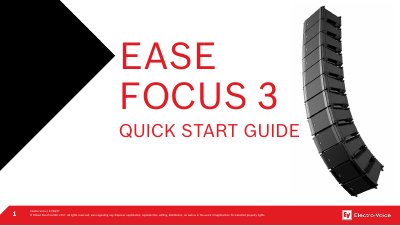
This document serves as a quick start guide for the Electro-Voice EASE Focus 3 software, allowing users to create their first project easily and fast. It is not intended to contain every single detail and possibility of the software; for more details, users are directed to the full EASE Focus 3 User Manual included in the software.
The guide covers the essential workflow of the software, including program installation and database setup. It provides instructions on navigating the start screen, creating a venue, placing and aiming speakers, performing acoustic predictions, and generating reports via the 'Create Report' function.
This guide allows users to create their first project easily and fast.
Users should look into the EASE Focus 3 User Manual included in the software.
Users must open EASE Focus 3, click on File, and then select Import System Definition File.
The calculated loudspeaker hangs must be double checked with LAPS 3.