
Samsung SDS-NSS SHP-DH525 Smart Door Lock User Manual

SHP-DH525 Smart Door Lock supports multiple opening methods such as card, password, fingerprint, and smartphone Bluetooth.
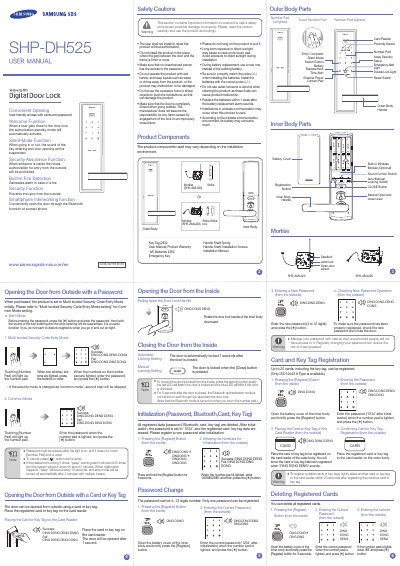

Samsung SDS-NSS SHP-DH525 Smart Door Lock User Manual - cover page
Brand
Samsung SDS-NSS
Category
Other
Document type
User Manual
Language
English
Pages
2
File format
PDF
File size
3.8 MB
Published
17 October, 2023
Updated
17 October, 2023
MD5 checksum
F869F0E8F6AC623A89A81187DF8BE703

About this manual

This document is the user manual for the Samsung SDS-NSS SHP-DH525 smart door lock. It provides instructions on how to operate the device, including opening the door via password, card, or key tag, and managing security settings like silent mode and fire detection. The manual also details the registration and deletion of access credentials.

What's inside

  • Convenient Opening
  • Silent-Mode Function
  • Security Assurance Function
  • Built-in Fire Detection
  • Smartphone Interworking function
  • Safety Cautions
  • Product Components
  • Opening the Door with Password
  • Card and Key Tag Registration
  • Initialization

Frequently asked questions

What happens if the password is entered incorrectly five times?

A warning alarm will sound twenty times, and the system will shut down for about three minutes.

How many cards or key tags can be registered to the lock?

Up to twenty cards, including the key tag, can be registered.

What is the required length for a new password?

The password must consist of four to twelve digits.

Download PDF (3.8 MB)