
HA-N1 User Manual
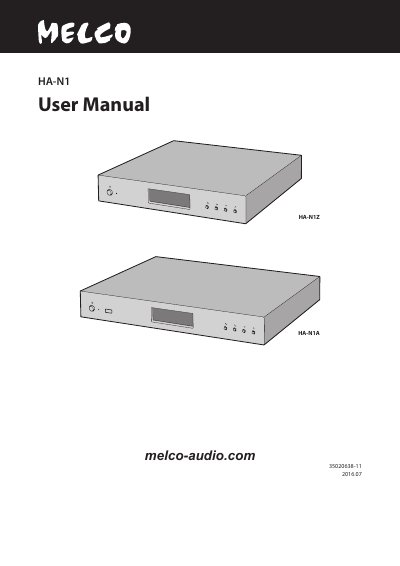
The MELCO HA-N1 series is a high-performance networked audio component designed to stream digital music files. The device supports importing music from USB devices or computers, streaming via network protocols, and backing up data. It features a user-friendly interface for managing libraries and settings.
This manual provides instructions on getting started with the hardware installation, turning the unit on and off, and navigating the home screen. It details how to import music files from various sources, configure backup drives, and utilize advanced features such as Direct Mode, USB-DAC connectivity, and CD transport capabilities.
| LAN Port Interface | IEEE 802.3ab (1000BASE-T), IEEE 802.3u (100BASE-TX), IEEE 802.3 (10BASE-T) |
|---|---|
| Transfer Speed | 1000 Mbps full duplex (auto-negotiation) |
| Number of Ports | 2 ports (supports auto-MDIX) |
| USB Port HA-N1Z series | 3 USB 3.0 ports (type A), 1 USB port for 5 V power supply devices |
| USB Port HA-N1A series | 1 USB 2.0 port (type A, front), 3 USB 3.0 ports (type A, rear) |
| Internal Hard Drive HA-N1ZS | Audio-grade solid-state drives (SSD) |
| Dimensions HA-N1Z series | 350 x 65 x 370 mm; 13.8 x 2.6 x 14.6 in |
| Power Supply | AC 100–240 V 50/60 Hz |
| Operating Environment Temperature | 5–35°C; 41–95°F |
It will take about 20 seconds to complete after turning on the device.
You may lose music files or the HA-N1 may malfunction.
No, only the first partition is mounted; to recognize the whole capacity, connect to 'EXPANSION' or 'BACKUP' and select Format.
The default setting is 15 minutes, though it may be configured to 'Off' depending on the shipping date.