
This document is an instruction manual for the Jay, a desktop flight experience device manufactured by Redbird Flight Simulations, Inc.
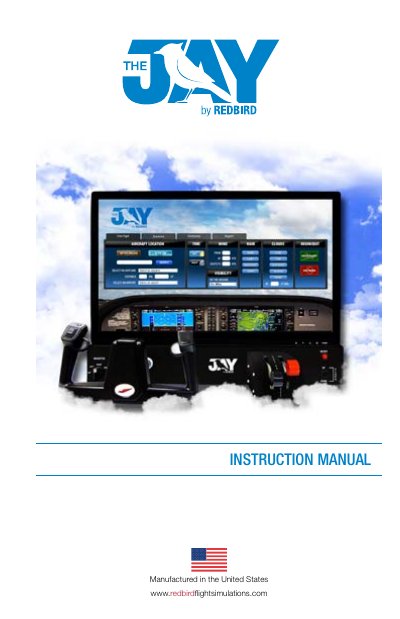
The Redbird Jay is an all-in-one desktop flight experience device designed for personal enjoyment. It includes a control panel, monitor, keyboard, and necessary cables to create an immersive flying simulation environment at home.
This document guides users through the unboxing process, step-by-step assembly of the hardware components, and initial startup procedures. It also covers basic navigation of the software interface, available flight scenarios, and troubleshooting steps for common issues.
| Dimensions (Assembled) | 26.5" wide, x 24" deep, 20" tall |
|---|---|
| Power Input (Domestic) | 120 V |
| Weight (Lower Instrument Panel) | 23 lbs |
No, the device is not meant as a certified training tool and is intended for personal enjoyment only.
The default voltage setting is 115V. Users can change it to 230V by sliding the red button near the power outlet.
The warranty covers a period of 90 days from the original date of purchase.