
This file is the operation manual of FORCE America® Inc. SSC5100ex Spreader Control, which introduces how to use the product
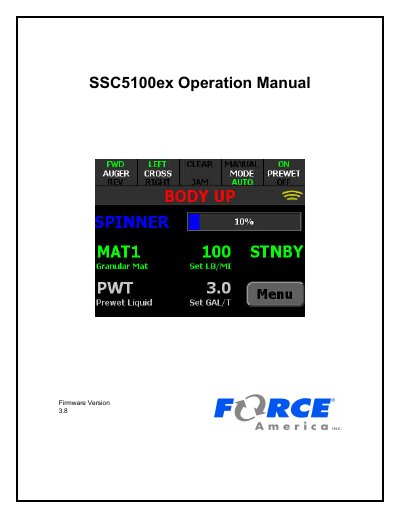
The SSC5100ex is a self-contained spreader system designed to apply granular materials, prewet liquids, or direct liquids. The device features an operation screen with rotary knobs and pushbutton switches that allow the operator to control augers, cross-augers, valves, and pumps depending on the selected mode.
| Power Requirement | 12V DC dashkey power |
|---|---|
| USB Port Function | import/export calibration files or upgrade firmware |
The system displays a Screen Power Switch safety feature that prevents outputs until the Continue button is pressed.
The system can apply material in four modes: Open-Loop, Closed-Loop, Manual, and Gravity Feed (Prewet Only).
Open-Loop uses vehicle speedometer data, while Closed-Loop uses an optional feedback sensor from the auger or pump for more accurate spreading.