
ONN 6-DEVICE UNIVERSAL REMOTE is a remote control product of ONN brand, supporting the control of TV, Set Top Box, Blu-ray Player and Sound Bar.
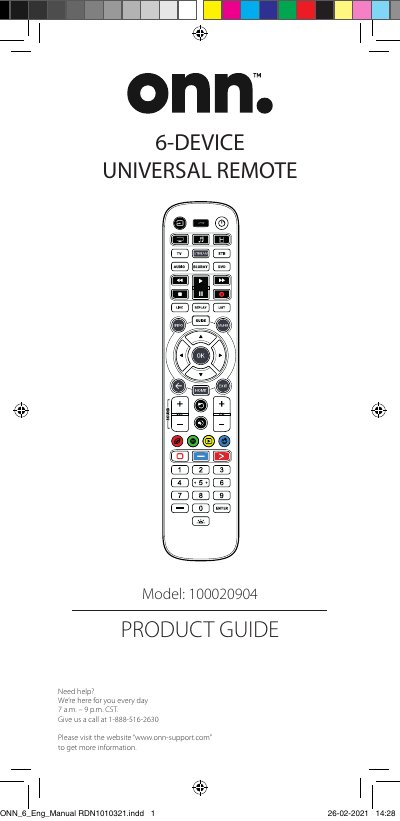
The document provides instructions for the ONN 6-Device Universal Remote Control (Model: 100020904). It covers getting started with batteries and button functions, as well as detailed setup procedures. Users can set up their devices using SimpleSet mode by pressing a specific digit key associated with the brand, or by manually entering infrared codes from the provided lists.
| Battery Type | 2 x AA / LR6 alkaline batteries |
|---|---|
| Max Devices Supported | Up to 6 Audio Video Devices |
Press the Setup key until the LED blinks twice, then enter code 4398.
The remote will send a Power command every 3 seconds while holding the key.
Yes, it works with Xbox 360 and Xbox One via the STREAM device key.