
ProScale LCD Readout Quick Start Guide Introduces How to Use ProScale LCD Readout
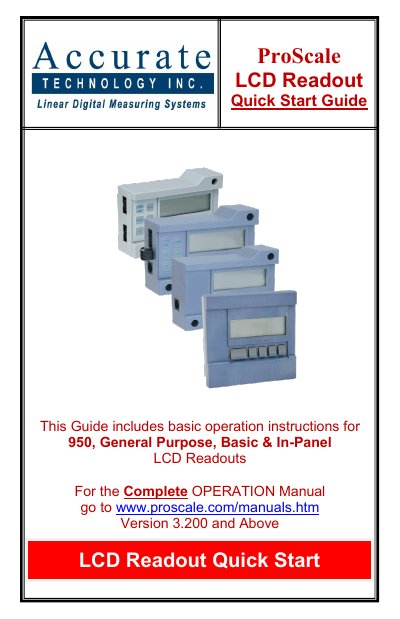
This guide provides basic operation instructions for ProScale 950, General Purpose, Basic, and In-Panel LCD Readouts, specifically for firmware version 3.200 and above. It covers pre-configured parameters, installation methods for surface mount and in-panel applications, and battery replacement procedures.
| Display Range | ± 999.999 in or ± 9999.99 mm or ± 999.999 cm or ± 399 63/64 in |
|---|---|
| Repeatability | .001in or .01mm or .001cm |
| Operating Power (950/Basic) | 1 CR123* 3V Lithium battery |
| Operating Power (General Purpose/In-Panel) | 1 CR123* 3V Battery or 12 -24VDC |
| Operating Temperature | 32 to 120 °F, 0 to 50 °C |
This guide is for firmware version 3.200 and above.
Remove the screws in the upper right and lower left corners, pull the cover off, remove the battery clip and old battery, install a new CR123 battery, and replace the cover and screws.
The panel thickness must be at least 3mm (0.125 inches).
Press and Hold the ON/OFF key, while pressing it Momentarily depress the UNITS key, then release both keys.