
Introduces the LokSound V4.0 and LokSound Select Manual Notching Quick Start Guide
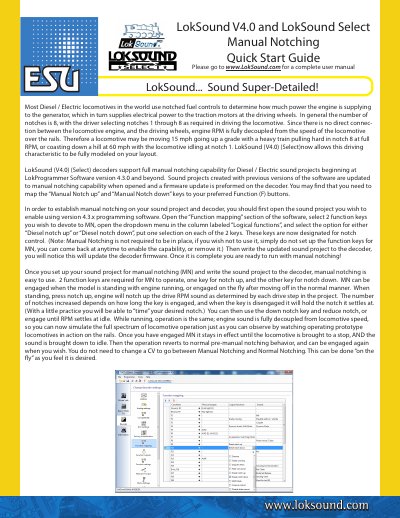
This guide explains how to enable manual notching capability on LokSound V4.0 and LokSound Select decoders. It details the process of mapping function keys in the LokProgrammer software to control the 'Manual Notch up' and 'Manual Notch down' functions, which updates the decoder firmware to support this feature.
Manual notching capability begins with LokProgrammer Software version 4.3.0 and beyond.
Open the sound project in software version 4.3.x, map two function keys to 'Diesel notch up' and 'Diesel notch down', and write the updated project to the decoder.
No, you do not need to change a CV; the operation can be done on the fly without changing settings.