
This document is a user manual for KitchenAid 1 Slide-In Gas Range Control Guide. It introduces the product's features and characteristics.
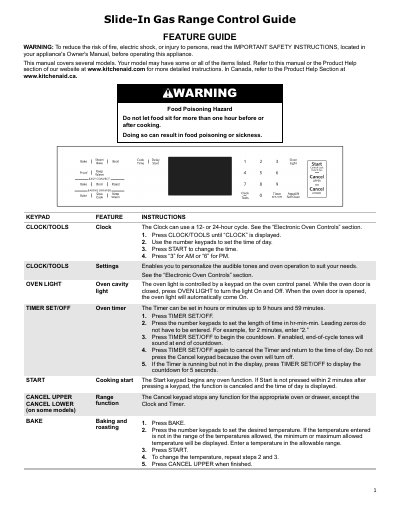
This document serves as a feature guide for the KitchenAid 1 Slide-In Gas Range, providing instructions for various keypad functions. It covers basic settings such as the clock, timer, and control lockout, as well as specific cooking modes like steam bake, broil, and convection cooking. Users are advised to consult the Owner's Manual for safety instructions and detailed operating procedures.
Press CLOCK/TOOLS until 'CLOCK' is displayed, use the number keypads to set the time, press START to change the time, and press '3' for AM or '6' for PM.
Ensure the oven is OFF, then press and hold START for 3 seconds until 'Control Locked' scrolls and 'Locked' is displayed.