
This document describes how to install and use the PCI Express 3.0 Mid-Bus Probe, which can be used with Summit™ T3-16 / T3-8 / T34 systems.
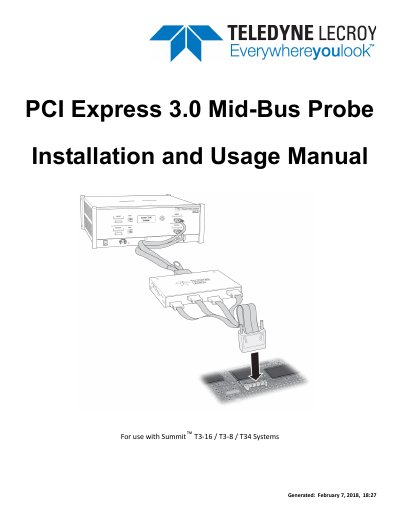
The document serves as an installation and usage guide for the Teledyne LeCroy PCIe 3.0 Mid-Bus Probe system. It details the mechanical design, electrical specifications, and pin assignments for both full-size (x16/x8) and half-size (x4/x8) probe configurations designed to interface with Summit protocol analyzers.
The guide covers the complete installation process, including connecting the probe pod, reference clock cables, and daisy-chain cables. It also explains how to set up dual probe pods using external clocking and provides instructions for recording traffic on PCI Express buses.
The probe is for use with the Summit T3-16, Summit T3-8, and Summit T34 analyzers.
The probe supports data rates of 2.5, 5, and 8 GT/s.
A single full-size probe connector supports up to x8 lane widths bidirectional or x16 unidirectional.