
This manual applies to the following products: EB-5ES-PSE-# Industrial PoE 5-port unmanaged Ethernet switch, EB-PSE-48V-2 Industrial PoE power injector for 2 channels, EB-PSE-24V-1 Industrial PoE power injector with built-in 24V to 48V converter, EB-PD-24V-1 Industrial PoE splitter converts 48V to 24V, EB-PD-UPS-1 Industrial PoE splitter converts 48V to 14V, EB-PS-4824-13 Industrial DC / DC power converter for 48V to 24V
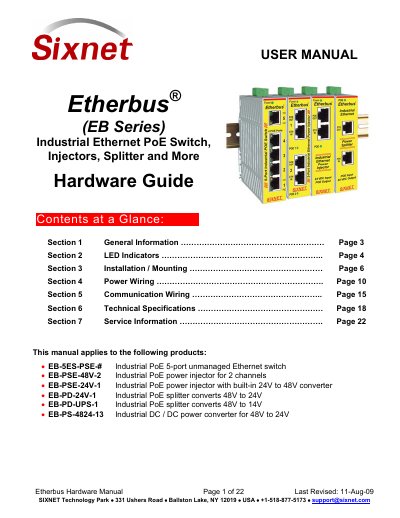
The Etherbus Hardware Manual provides instructions for installing and maintaining a range of industrial Power over Ethernet (PoE) devices. These products support the standard IEEE 802.3af PoE specification and operate as plug-and-play solutions without requiring user settings.
The guide details the specific models included, such as the EB-5ES-PSE switch, various injectors like the EB-PSE-48V-2, splitters including the EB-PD-24V-1, and converters. It covers general information on safety standards, LED indicator meanings for power and link status, and step-by-step instructions for DIN rail or panel mounting.
The devices meet UL 1604, CSA C22.2/213 for Class 1, Division 2, Groups A, B, C, D, as well as Cenelec EN50021 and ATEX for Zone 2.
The power LED turns ON when PoE power is detected on the incoming Ethernet line and turns OFF if no PoE power is detected.
A flashing yellow LED indicates that there is a proper Ethernet connection and that there is communications activity.