
The guava easyCyte™ System enables rapid and accurate measurements of multiple samples. This guide provides an overview of the system and instructions for using the guavaSoft™ Software to perform measurements, including answers to common questions.
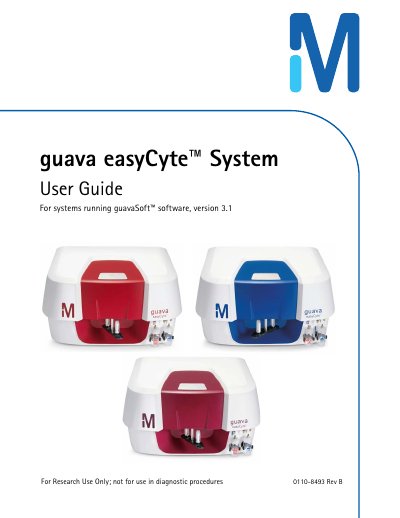
The guava easyCyte™ System is an automated, desktop cell analysis system designed for research use only. It features three lasers (violet, blue, and red) to analyze up to 10 fluorescence parameters, as well as forward and side scatter. The system accommodates individual microcentrifuge sample tubes and is compatible with guavaSoft™ software.
| Lasers | Violet, Blue, and Red |
|---|---|
| Fluorescence Parameters | Up to 10 |
| Scatter Parameters | Forward and Side Scatter |
| Sample Tube Type | Individual microcentrifuge sample tubes |
| Violet Laser Wavelength | 405 ±5 nm |
| Blue Laser Wavelength | 488 ±5 nm |
| Red Laser Wavelength | 642 ±5 nm |
| Violet Laser Max Power | 110 mW |
| Blue Laser Max Power | 160 mW |
| Red Laser Max Power | 110 mW |
No, the system is for research use only and not for use in diagnostic procedures.
The software has been tested on Microsoft Windows XP and Windows 7 operating systems.
You must turn off the main power switch and disconnect the power cord before replacing fuses.