
This user guide provides information on safely using the projector and contains information about product registration.
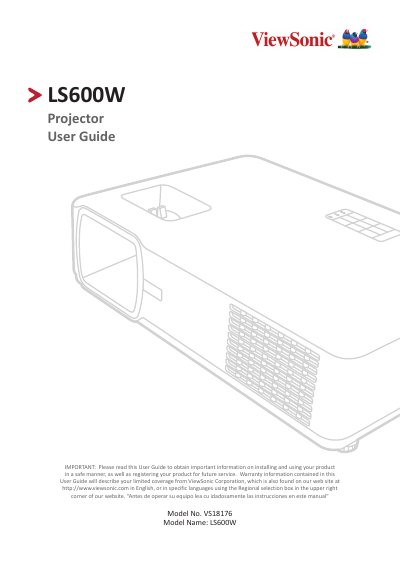
The ViewSonic LS600W is a visual solution device designed to project images. This manual covers essential safety precautions, including ventilation requirements and proper handling of the light source assembly which becomes extremely hot during operation.
The guide details the initial setup process, such as choosing a location and mounting options. It also explains how to make various connections for video and audio sources, including HDMI, VGA, and composite inputs, as well as computer connections.
| Voltage Range | 100 to 240 volts AC |
|---|---|
| Model Number | VS18176 |
Allow at least 20 inches (50 cm) clearance around the projector to ensure proper ventilation.
The projector must be allowed to cool for approximately 45 minutes prior to removing the light source assembly.
No, do not use if the projector is tilted more than 10 degrees left or right, nor more than 15 degrees forwards or backwards.