
ViewSonic VX3211-4K-mhd LCD Monitor User Guide, introduces the safety and installation instructions of the monitor.
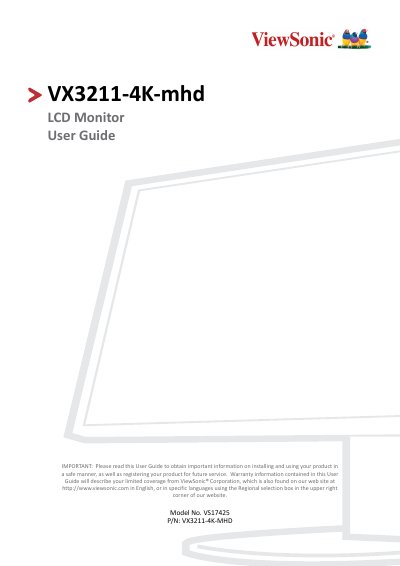
The ViewSonic VX3211-4K-mhd is a 32-inch VA-type LCD monitor featuring a UHD resolution of 3840 x 2160. It includes an anti-glare glass surface and supports various input signals including HDMI and DisplayPort for compatibility with PCs up to 3840 x 2160 at 60Hz.
The manual covers initial setup, wall mounting options using standard kits, and detailed connection instructions for power and external devices. It also explains how to use the on-screen display (OSD) menu keys to adjust settings such as viewing angles, HDR10 modes, and multi-picture features like Picture-in-Picture.
| Display Size | 32" (31.5" viewable) |
|---|---|
| Resolution | 3840 x 2160 @ 60Hz |
| LCD Type | VA Type, a-si TFT LCD |
| Weight | 6.6 kg (14.6 lbs) |
The recommended resolution is 3840 x 2160 @ 60Hz.
The power adapter accepts AC 100-240V, 50/60Hz with auto switching.