
ViewSonic VS2247-mh Display User Guide

This user guide provides information on installing and using your ViewSonic® VS2247-mh display.
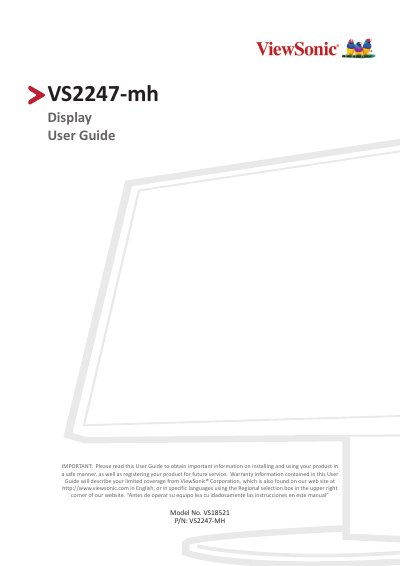

ViewSonic VS2247-mh Display User Guide - cover page
Brand
ViewSonic
Category
Monitors
Document type
User Manual
Language
English
Pages
46
File format
PDF
File size
4 MB
Published
16 October, 2023
Updated
16 October, 2023
MD5 checksum
C903520F4CE9BAB088656A51AA6CC391

About this manual

This user guide provides instructions for the ViewSonic VS2247-mh display, including safety precautions, package contents, and product overview. It details how to install the stand or mount the display on a wall, make necessary connections, and operate the device.

What's inside

  • Safety Precautions
  • Package Contents
  • Product Overview
  • Installing the Stand
  • Wall Mounting
  • Making Connections
  • Using the Monitor
  • Configuring the Settings
  • Specifications
  • Troubleshooting

Frequently asked questions

What is the minimum recommended distance to sit from the device?

You should sit at least 18 inches (45 cm) away from the device.

How much clearance is required around the device for ventilation?

You must allow at least 4 inches (10 cm) of clearance around the device.

What circuit breaker rating is required for the power distribution system?

The system should provide a circuit breaker rated at 120/240V, 20A.

Download PDF (4 MB)

More ViewSonic Manuals


View all ViewSonic manuals →