
This document is about the user guide of viewsonic brand ls500w/ls500wh/ls550w/ls550wh projector
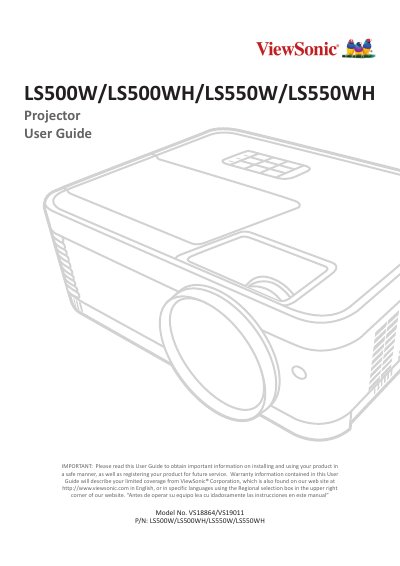
This manual covers the setup and usage of the ViewSonic LS500W/LS500WH/LS550W/LS550WH series of projectors. It includes safety precautions, initial setup instructions such as choosing a location and making connections to power and computer sources, and detailed operation guides for turning the device on/off and adjusting the projected image. This manual is written in Chinese.
| Native Resolution | 1280 x 800 |
|---|---|
| Light Source Type | RGB LED |
| Display System | 1-CHIP DMD |
| Power Consumption (On) | 1156 W (Typical) / 160 W (Typical) |
| Operating Temperature | 0°C to 40°C |
The native resolution for both models is 1280 x 800.
The projector uses an RGB LED light source.
Yes, but you must use a proper fitting projector ceiling mount kit and ensure it is securely installed to prevent falling risks.