
This document is the operating manual of a digital touchpad thermostat of a certain brand. It introduces the features and specifications of the product, as well as its usage methods and operating specifications.
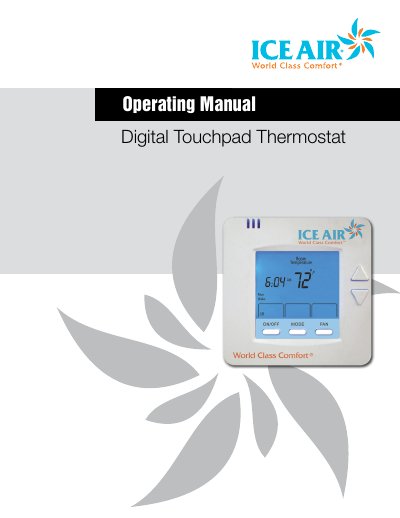
This manual provides instructions for the Ice Air ICE6153 digital touchpad thermostat. It details how to operate the device in Cool, Heat, and Auto modes, set temperature limits, and configure 7-day or 5-2 day schedules. The device features an LCD display with backlighting and includes safety features like compressor short cycle protection and lockout safety.
| Temperature Measurement Range | 0°C ~ 40°C/32°F ~ 99°F |
|---|---|
| Accuracy | ±0.5°C/1°F |
| Voltage | 18-30VAC |
| Temperature Controllable Range | 5°C~35°C/55°F ~ 95°F |
| Operating Temperature | 0 – 50°C/32 – 122°F |
| Resolution | 0.5°C/1°F |
Hold the UP and DOWN button for 2 seconds to enter Permanent Override mode, then adjust the set points as needed.
The default selection is the 5-2 day program, with specific wake, leave, return, and sleep times and temperatures.