
This file provides guidance for testing the touchpad of a microwave oven, including disconnecting power, removing the panel, connecting the cable, testing, and result determination.
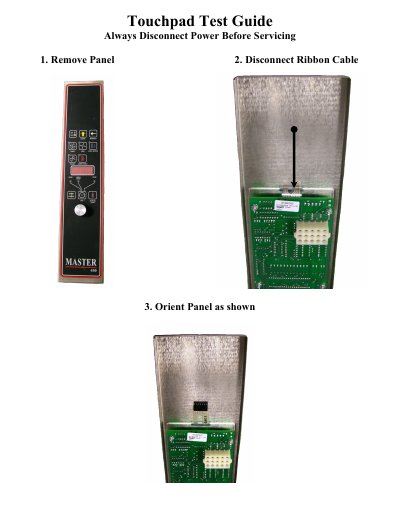
This document outlines the procedure for servicing microwave oven touchpads. It begins with safety warnings and initial steps to remove the control panel and disconnect the ribbon cable. The guide specifies the correct orientation for the panel during testing.
Always disconnect power before servicing.
Set the meter to continuity, place leads on designated pins, and depress the keypad. If there is no continuity when pressed or continuity when not pressed, replace the touch pad.
A cracked or damaged ribbon cable may show no problem when flat but fail when flexed and plugged in.