
This user guide provides instructions on how to use the Innovative Air Systems C-BBP-5 digital thermostat. The thermostat can be used to control heating and cooling systems. The guide includes information on how to change the mode, set the fan speed, change the heat/fan setting, set the run timer, edit the setback temperatures, and more.
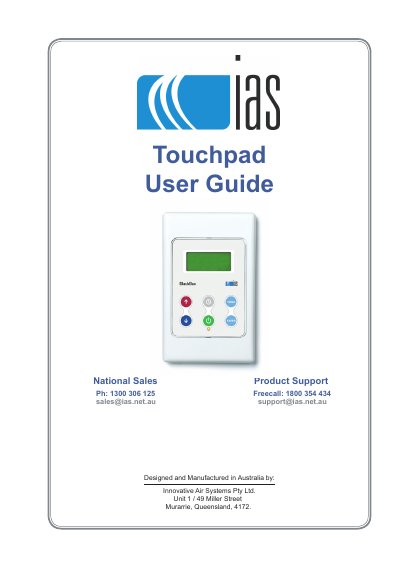
The manual describes the operation of the C-BBP-5 controller, which features a menu-based interface with arrow buttons and an enter button. Users can access standard options to change modes (Cool, Heat, Vent, Auto), set fan speeds, configure heat fans, and manage run timers and setback temperatures.
| Setback Range | 5 - 50°C |
|---|---|
| Compressor Delay (Safety) | 4 minutes |
| Compressor Delay (Extended) | 40 seconds |
| Deadband Adjustment | 0 to 3°C |
The available options for the Mode are Cool, Heat, Vent or Auto.
Select the minimum value of “-----” for the run timer setting and press enter.