
Savant Savant Touch Control Screen 5.5/8.0 Deployment Guide

This manual introduces the deployment steps of Savant Touch Control Screen 5.5 inches and 8 inches, including installation, configuration and setup
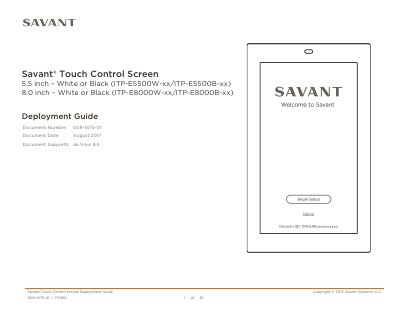

Savant Savant Touch Control Screen 5.5/8.0 Deployment Guide - cover page
Brand
Savant
Category
Other Electronics
Document type
Installation Guide
Language
English
Pages
21
File format
PDF
File size
1.8 MB
Published
16 October, 2023
Updated
16 October, 2023
MD5 checksum
F0AFAEA00A37BE1878BB99B29D2E05DD

About this manual

This Deployment Guide assists installers in setting up the Savant In-Wall Touch Screen, covering preparation, physical installation, and initial configuration. The document is specific to the Savant Touch Control Screen models 5.5 inch (ITP-E5500x) and 8.0 inch (ITP-E8000x).

What's inside

  • Introduction
  • Deployment Steps
  • Savant Touch Control Screen Overview
  • Installation (Savant Touch 5.5)
  • Installation (Savant Touch 8)
  • Setup
  • Wake Up Screen
  • Brightness
  • Sleep
  • Troubleshooting

Specifications

Supported Software Versionda Vinci 8.5
Ethernet Port Speed10/100/1000 Base-T
Power over Ethernet Standard802.3at

Frequently asked questions

What software version is required for the Savant Touch Control Screen?

The document supports da Vinci 8.5 or higher.

How do you reboot the Savant Touch Control Screen?

You can tap the menu icon, select Reboot, or use a paperclip to press the Reset Button.

What does a blinking green LED indicate on the screen?

A blinking green LED indicates data activity.

Download PDF (1.8 MB)