
Acura True Touchpad Interface User Guide for TLX RDX MDX

This document introduces the features and use of Acura True Touchpad Interface™.
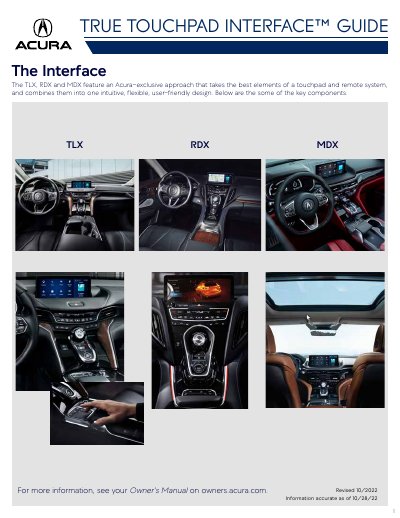

Acura True Touchpad Interface User Guide for TLX RDX MDX - cover page
Brand
Acura
Document type
User Manual
Language
English
Pages
3
File format
PDF
File size
2.7 MB
Published
16 October, 2023
Updated
16 October, 2023
MD5 checksum
ECBA335CA3E96860C772C8C536A563E7

About this manual

The document describes the Acura-exclusive True Touchpad Interface (TTI) designed for the TLX, RDX, and MDX models. It details how the large display screen is controlled remotely by a touchpad located in front of the center console, which combines elements of a touchpad and remote system into one intuitive design.

What's inside

  • The Interface
  • Primary and Secondary Areas
  • Back Home Cards List
  • Basic Touchpad Gestures
  • Handwriting Gestures

Frequently asked questions

What vehicles feature the True Touchpad Interface?

The TLX, RDX, and MDX feature this Acura-exclusive interface design.

How do you access the second Home page on the display?

Swipe left on the touchpad to access the second Home page.

What is the procedure to start the edit mode in any system?

Press the touchpad and hold it down for a moment.

Download PDF (2.7 MB)

More Acura Manuals


View all Acura manuals →