
Raven SCS 440 Serial Interface Installation & Service Manual

This manual provides installation and service instructions for the SCS 440™ Serial Interface.
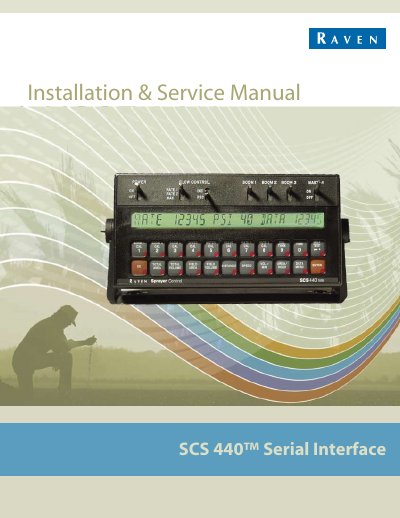

Raven SCS 440 Serial Interface Installation & Service Manual - cover page
Brand
Raven
Category
Other
Document type
Service Manual
Language
English
Pages
60
File format
PDF
File size
1.6 MB
Published
16 October, 2023
Updated
16 October, 2023
MD5 checksum
DCD59698126ADEC8C39744E224802C83

About this manual

The Raven SCS 440 Serial Interface is a computer-based system designed to provide uniformity of spray applications regardless of vehicle speed. It utilizes a console, speed sensor, flow meter, and control valve to function as an area monitor, speed monitor, and volume totalizer. The operator sets the target volume area, and the system automatically maintains the flow, with a manual override available for spot-spraying.

What's inside

  • Important Safety Information
  • Sensor Installation
  • Flow Meter Installation
  • Control Valve Installation
  • Console and Cabling Installation
  • Console Identification
  • Console Programming
  • Data Entry
  • System Features
  • Preventative Maintenance

Frequently asked questions

What is the Raven SCS 440 designed to do?

The system provides uniformity of spray applications regardless of vehicle speed and functions as an area monitor, speed monitor, and volume totalizer.

How does the operator control flow for spot-spraying?

A manual override switch allows the operator to manually control the flow for spot-spraying.

What safety measure is required before starting maintenance work?

The SCS 440 Serial Interface must be disabled prior to starting any maintenance work on the machine or parts of the system.

Download PDF (1.6 MB)

More Raven Manuals


View all Raven manuals →