
This is a Somfy Radio Technology Pocket Programming Guide that introduces how to use Somfy's RTS control system, including hand-held remotes, receivers, sensors and other products.
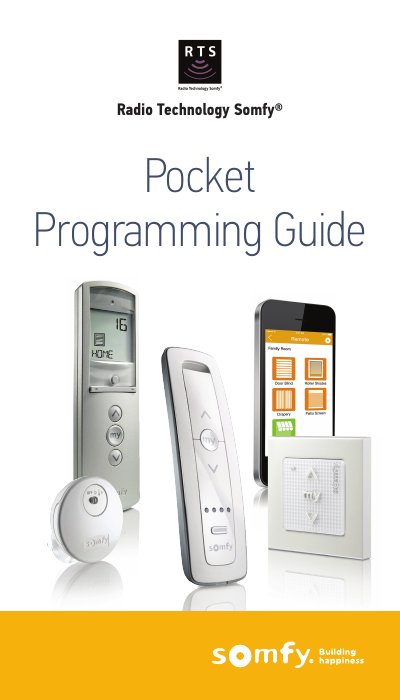
This document serves as a pocket programming guide for the Somfy Radio Technology (RTS) system. It provides quick programming instructions for a wide variety of Somfy motors, including cord lifts, roll-up shades, awnings, and shutters, as well as various transmitters like the Telis and Situo remotes. The guide also covers the programming of receivers, interfaces, repeaters, and wireless sensors such as Sunis and Eolis.
| Operating Range | up to 65 ft |
|---|---|
| Power Cable Length Limit | 12 inches |
| Motor Mounting Distance | 19 inches |
| Cooling Time | 15 minutes |
RTS is omni-directional, so there is no need to point or aim the transmitter at the covering, and radio waves travel through walls.
Verify the motor is powered, installed correctly, limits are set, and allow time for the motor to cool off if it has been running continuously.
Press and hold both the left and right arrow buttons until the vacation symbol appears or disappears.