
2005 Cadillac STS Navigation System Owner Manual

This document describes the features and controls of the 2005 Cadillac STS navigation system
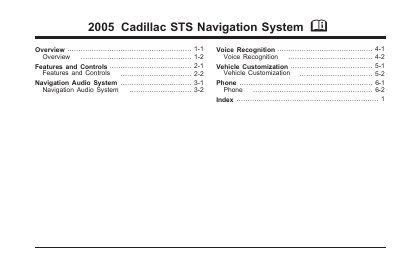

2005 Cadillac STS Navigation System Owner Manual - cover page
Brand
Cadillac
Category
Vehicle maintenance
Document type
User Manual
Language
English
Pages
142
File format
PDF
File size
3.1 MB
Published
16 October, 2023
Updated
16 October, 2023
MD5 checksum
1A54151478B3DB584BB27FE2AAE15630

About this manual

This manual provides instructions for operating the Navigation System in the 2005 Cadillac STS. It covers the system overview, features, and controls, including the use of hard keys and touch-sensitive buttons. The guide explains how to plan routes, use voice recognition, and customize vehicle settings.

What's inside

  • Overview
  • Features and Controls
  • Destination
  • Voice Recognition
  • Configure Menu
  • Global Positioning System
  • Bluetooth Phone
  • OnStar System
  • Six-Disc CD/DVD Changer
  • Symbols

Frequently asked questions

What functions does the navigation system allow you to perform?

The system allows you to plan a route with turn-by-turn guidance, select a destination using various methods, and receive broadcast announcements for traffic and emergency alerts.

What happens to the system functions once the vehicle is moving?

Various functions will be disabled to reduce driver distractions.

How many tilt positions are available for the navigation screen?

There are three tilt positions to choose from.

Download PDF (3.1 MB)

More Cadillac Manuals


View all Cadillac manuals →