
This manual provides basic operating and maintenance instructions for the Sullair Touch Screen Controller (STS).
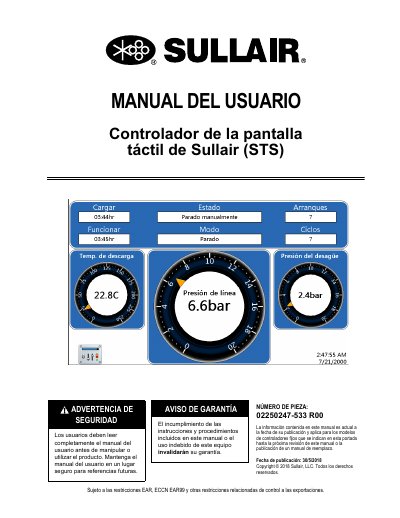
This manual describes the Sullair STS Touch Screen Controller, designed to display compressor system operation, configure machine parameters, and perform maintenance tasks. The controller ensures safe operation by automatically shutting down the machine upon detecting failure conditions and supports sequencing with other machines. This manual is written in Spanish.
The controller displays compressor system operation, allows configuration of machine parameters, and performs maintenance operations.
The controller automatically turns off the machine before such conditions can cause damage to the equipment.
The startup screen displays the pipe pressure, current operating mode, and various current machine statistics under the Status title.