
This manual introduces the functions and usage of FU80, NF80 and QS80.
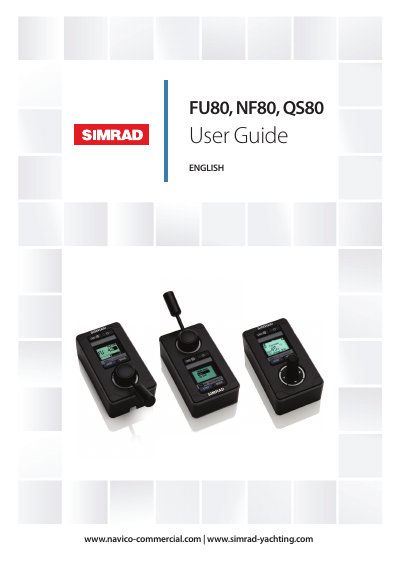
This manual describes the installation and operation of the Navico FU80, NF80, and QS80 remotes, which are used to remotely control autopilot systems or operate autopilot functions in a Simrad MFD. The document covers mounting procedures for panel and bulkhead installations, wiring connections for CAN bus and SimNet backbones, and specific operational instructions for each remote model.
| Display resolution | 128 x 64 (H x W) |
|---|---|
| Display type | 2" Monochrome, Bounded, Transflective |
| Viewing direction | NF80: 12 o'clock; FU80/QS80: 6 o'clock |
| Power supply | Via CAN bus or SimNet |
| Current consumption (Off) | Network <20 mA |
| Current consumption (On) | Network <110 mA |
| Temperature range | -25° C to + 55° C |
| Weight (NF80, FU80) | 0.5 kg (1.10 lbs) |
| Weight (QS80) | 0.4 kg (0.88 lbs) |
No, it is not possible to use the FU80 with an AP24/28 operating on VRF.
The Alert handling must be set to SOLAS.
Pin 1 is Shield, Pin 2 is NET-S (Power source +), Pin 3 is NET-C (Power source -), Pin 4 is NET-H (CAN high), and Pin 5 is NET-L (CAN low).