
Introduces the use of DataTrac Pro software, including system requirements, hardware requirements, connecting the pump to the PC, etc.
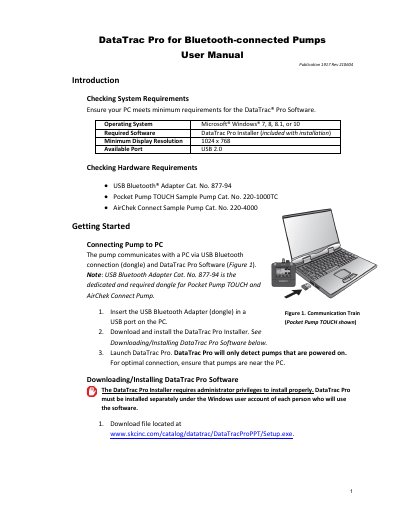
This document serves as the user manual for the DataTrac Pro software, designed for use with SKC Bluetooth-connected sample pumps such as the Pocket Pump TOUCH and AirChek Connect. It details the system and hardware requirements, including the necessary USB Bluetooth adapter and compatible pump models.
The guide covers the complete workflow of using the software, from initial installation and updating to managing sampling history. It provides step-by-step instructions for controlling pump operations (constant flow or pressure), programming sampling presets, configuring pump settings, and updating firmware.
| Operating System | Microsoft Windows 7, 8, 8.1, or 10 |
|---|---|
| Minimum Display Resolution | 1024 x 768 |
| Available Port | USB 2.0 |
| Firmware Update Time | up to 30 minutes |
DataTrac Pro is compatible with the Pocket Pump TOUCH and the AirChek Connect sample pump.
Yes, the USB Bluetooth Adapter Cat. No. 877-94 is the dedicated and required dongle for these pumps.