
this document describes how to assemble the industrial pro™ sn 6000 router
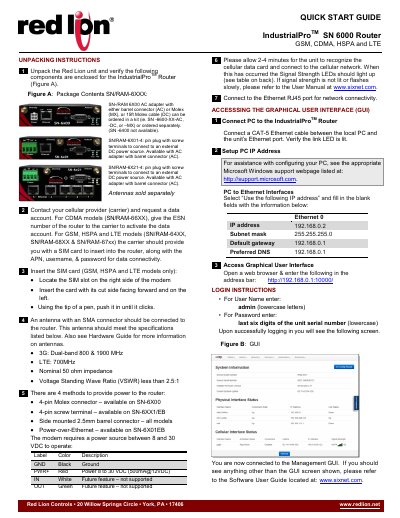
This document provides quick start instructions for the Red Lion Controls IndustrialPro SN 6000 Router, supporting GSM, CDMA, HSPA, and LTE networks. It details the unpacking process, verifying package contents, and instructions for inserting SIM cards and connecting antennas with specific impedance requirements.
| Supported Network Types | GSM, CDMA, HSPA and LTE |
|---|---|
| Power Requirement | 8 to 30 VDC |
| Power Current | 500mA@12VDC |
| Antenna Impedance | 50 ohm |
| VSWR Limit | less than 2.5:1 |
| Default Gateway IP | 192.168.0.1 |
| Default Username | admin |
| Default Password | last six digits of serial number |
| GUI Port | 10000 |
The default username is 'admin' in lowercase letters.
The password is the last six digits of the unit's serial number in lowercase.
The router requires a power source between 8 and 30 VDC.
Please allow 2 to 4 minutes for the unit to recognize the cellular data card and connect.