
This is a user manual for A/C Manager KTJK-M02J. It introduces the features and usage of the product.
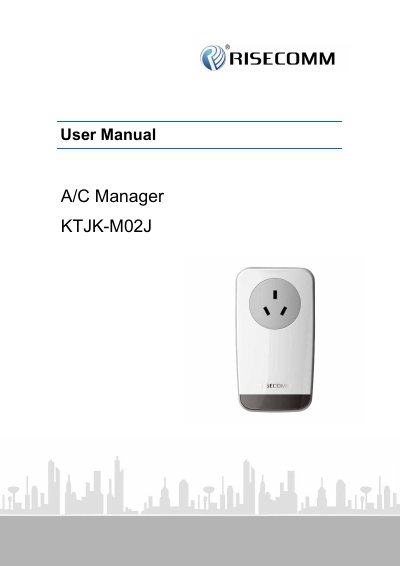
The Risecomm KTJK-M02J A/C Manager is a device designed to monitor, record, and control air conditioners as part of a centralized management and energy analysis system. It collects running status and environmental data, transmits it to a Smart Router, and allows administrators to remotely configure and control air conditioners via a wireless or wired LAN. The device features a 360-degree infrared transmitter for control and requires pairing with a temperature sensor to measure indoor temperature.
| Dimensions | L134.0*W65.0*H32.5mm |
|---|---|
| Operating Temperature Limit | 60 ºC |
| Power Socket Specifications | 10A and 16A |
The button integrates five functions including modifying the address, pairing with the temperature sensor, controlling the relay switch, clearing data records, and initializing node data.
To pair the devices, long press the button for more than 10 seconds and then release it.
The A/C Manager automatically detects the failure, reports it, and informs the master station for maintenance.